Back
App for raising IQ for children
Education app
Research
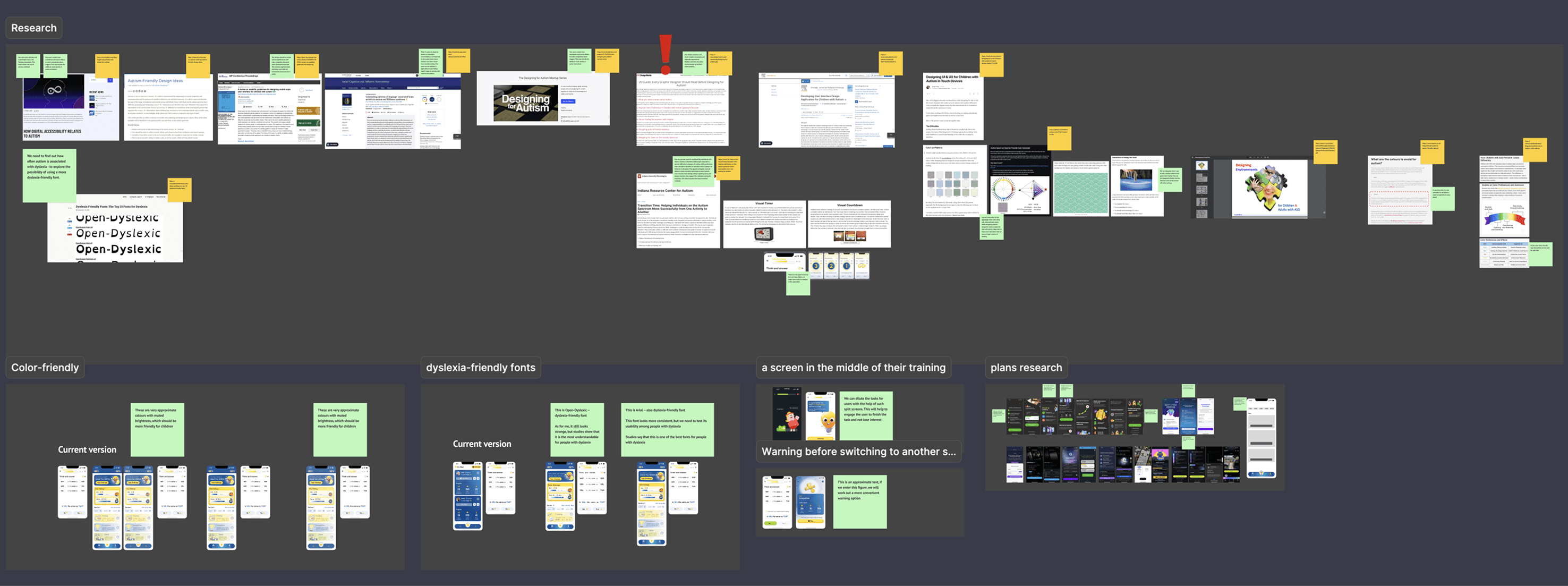
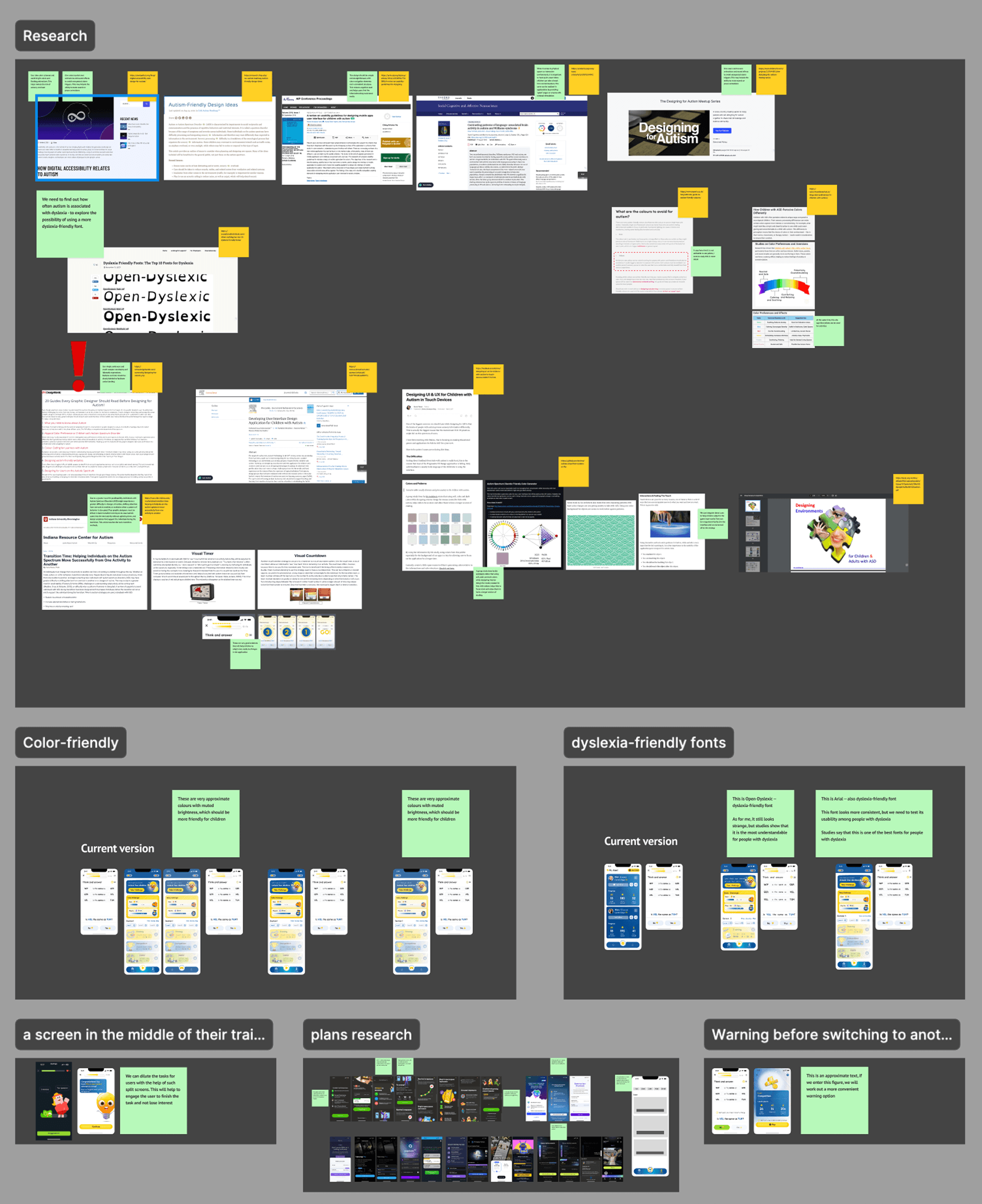
Main Insights
dyslexia-friendly font
Through analysis of scientific materials, I found a correlation between people's special needs and dyslexia, so I selected dyslexia-friendly fonts such as Open-Dyslexic and Arial.
Color-friendly customization
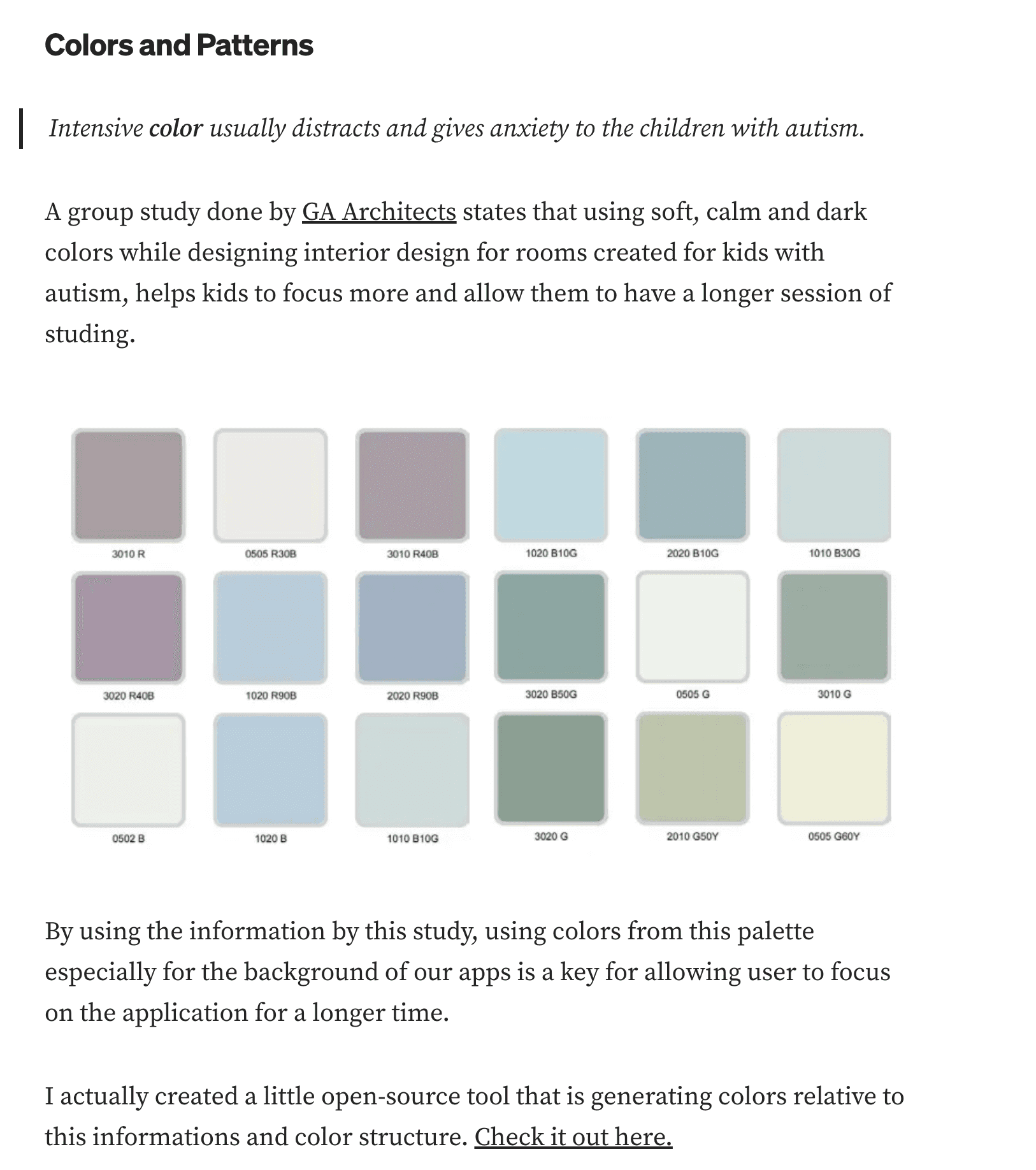
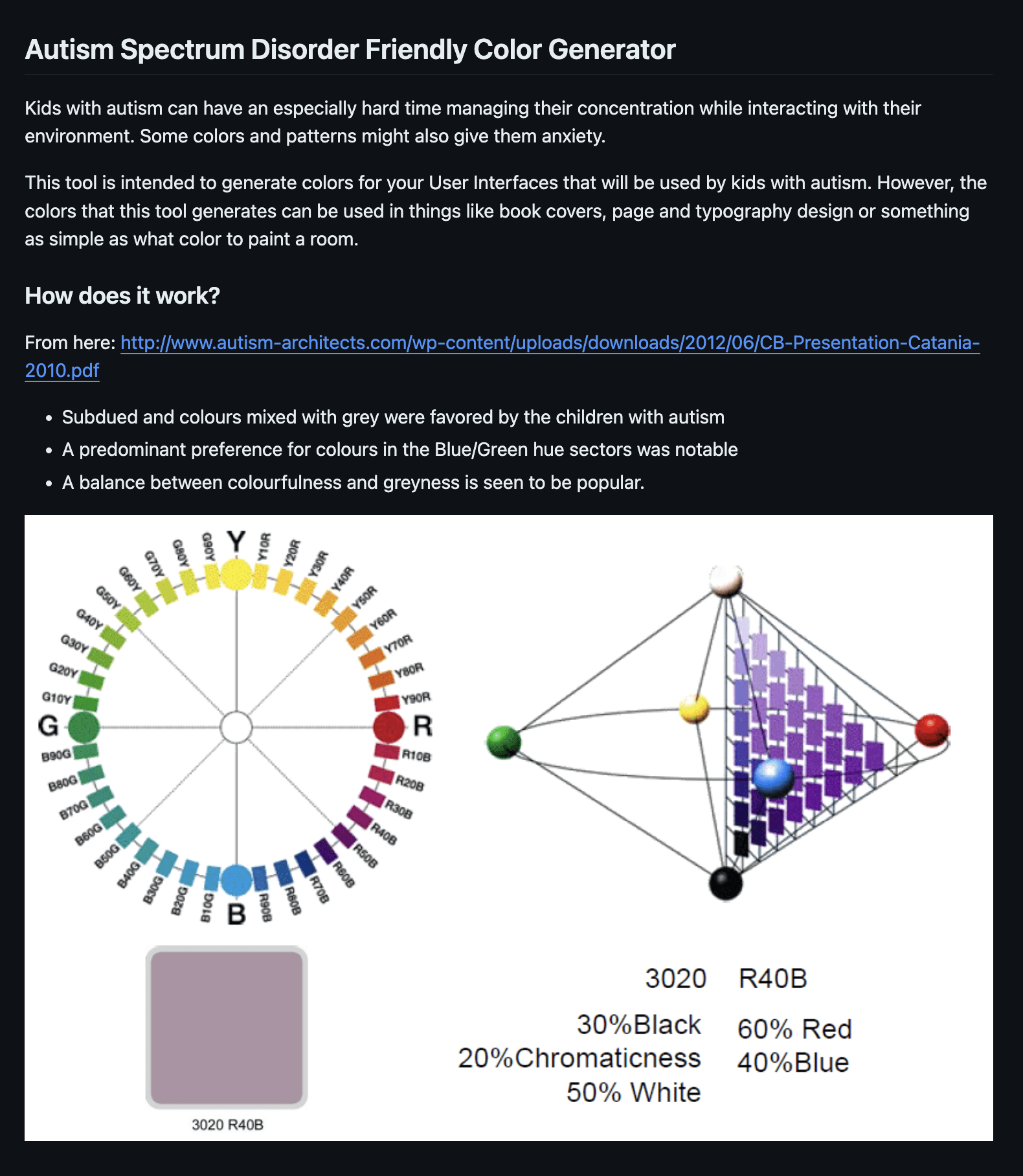
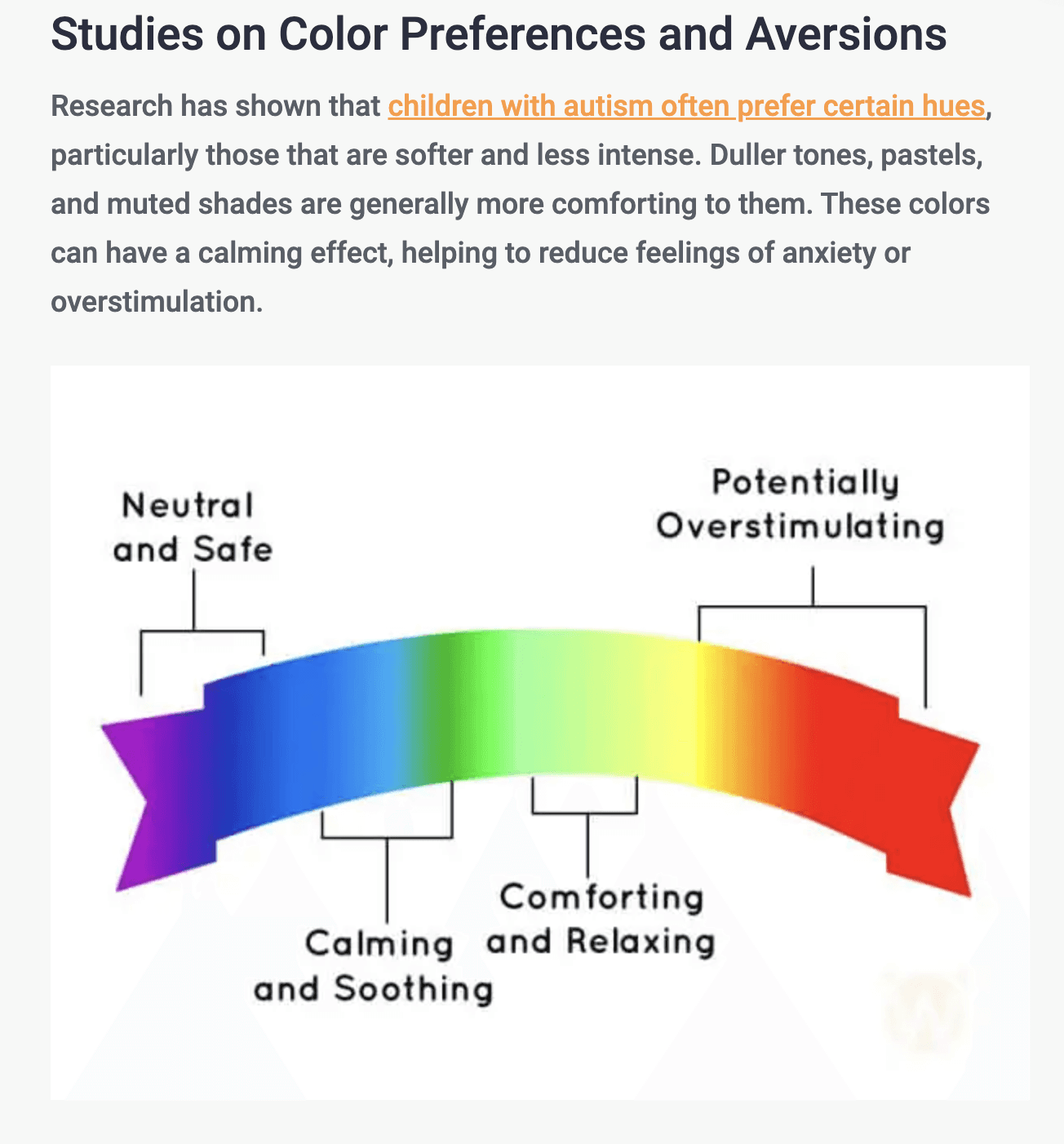
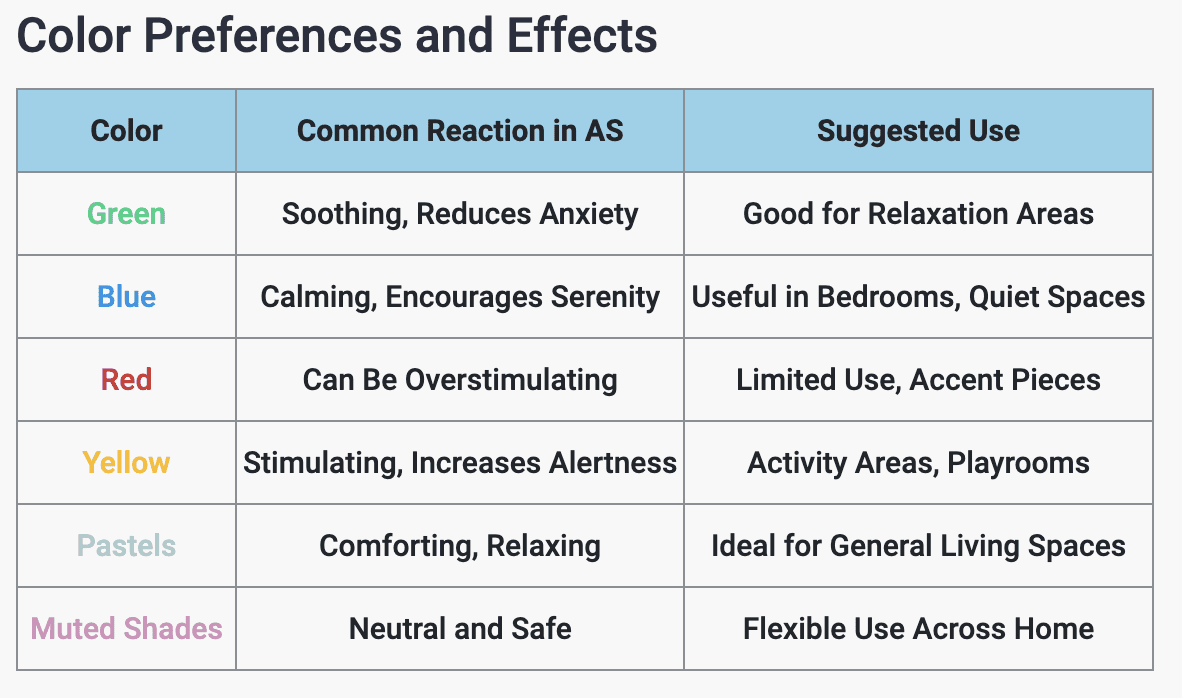
In scientific works by specialists working with people with special needs, I found information about the importance of using neutral and not too bright colors. So one of the proposed features was color customization based on user needs.
Animation customization
Given the target audience's sensitivity to animation triggers, it was decided to allow users to turn animation on and off, depending on their needs and perceptions.
Thoughts
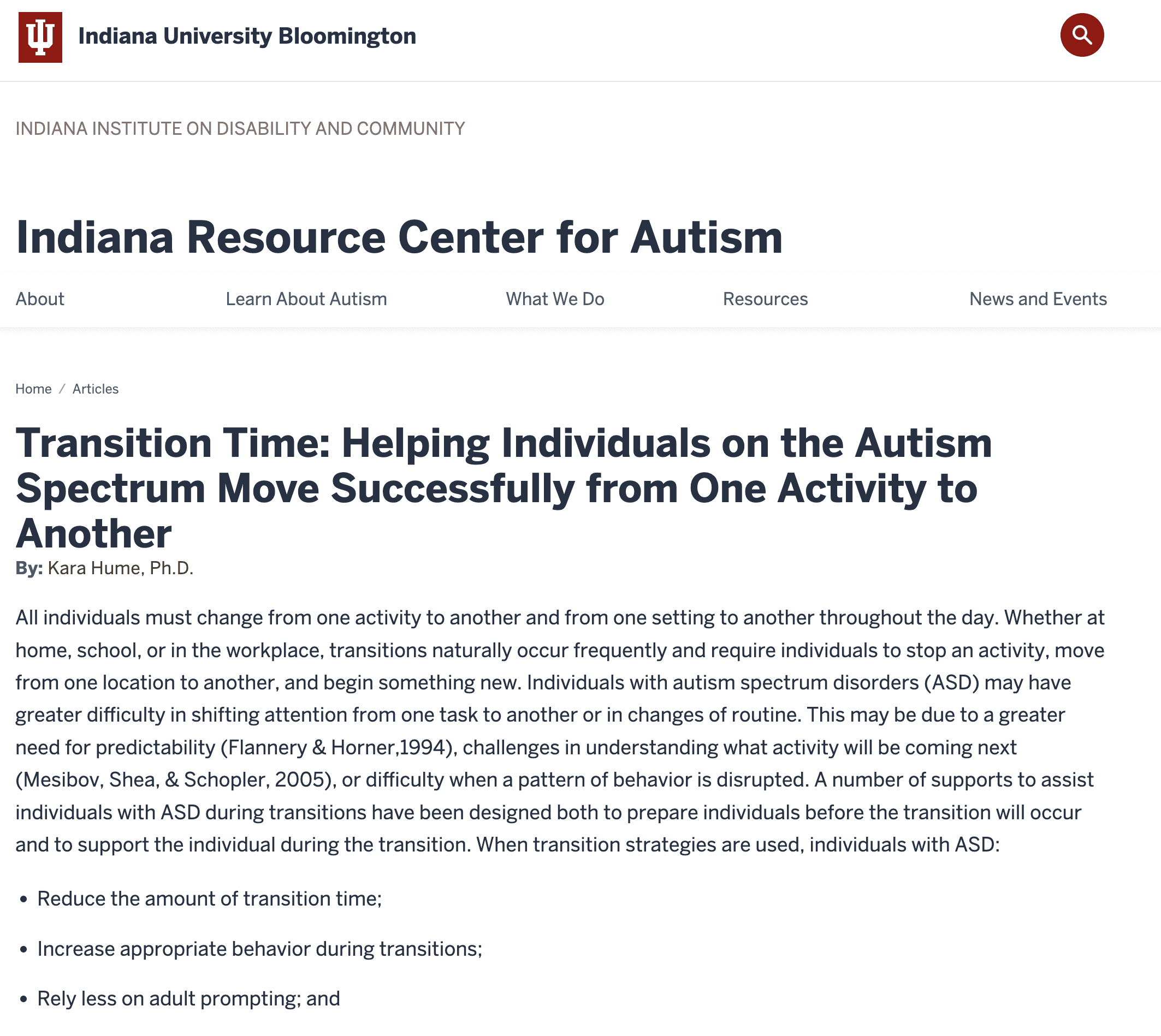
Studies have shown the importance of muted colors for children with autism, so we took this into account when developing interface elements. Also, based on these studies, I hypothesized that it was necessary to add color customization to the settings, where the user could adjust the brightness of the interface colors for himself or for his child.
This feature was planned for the second version of the product in order to test this hypothesis first and collect the necessary feedback.
Thoughts
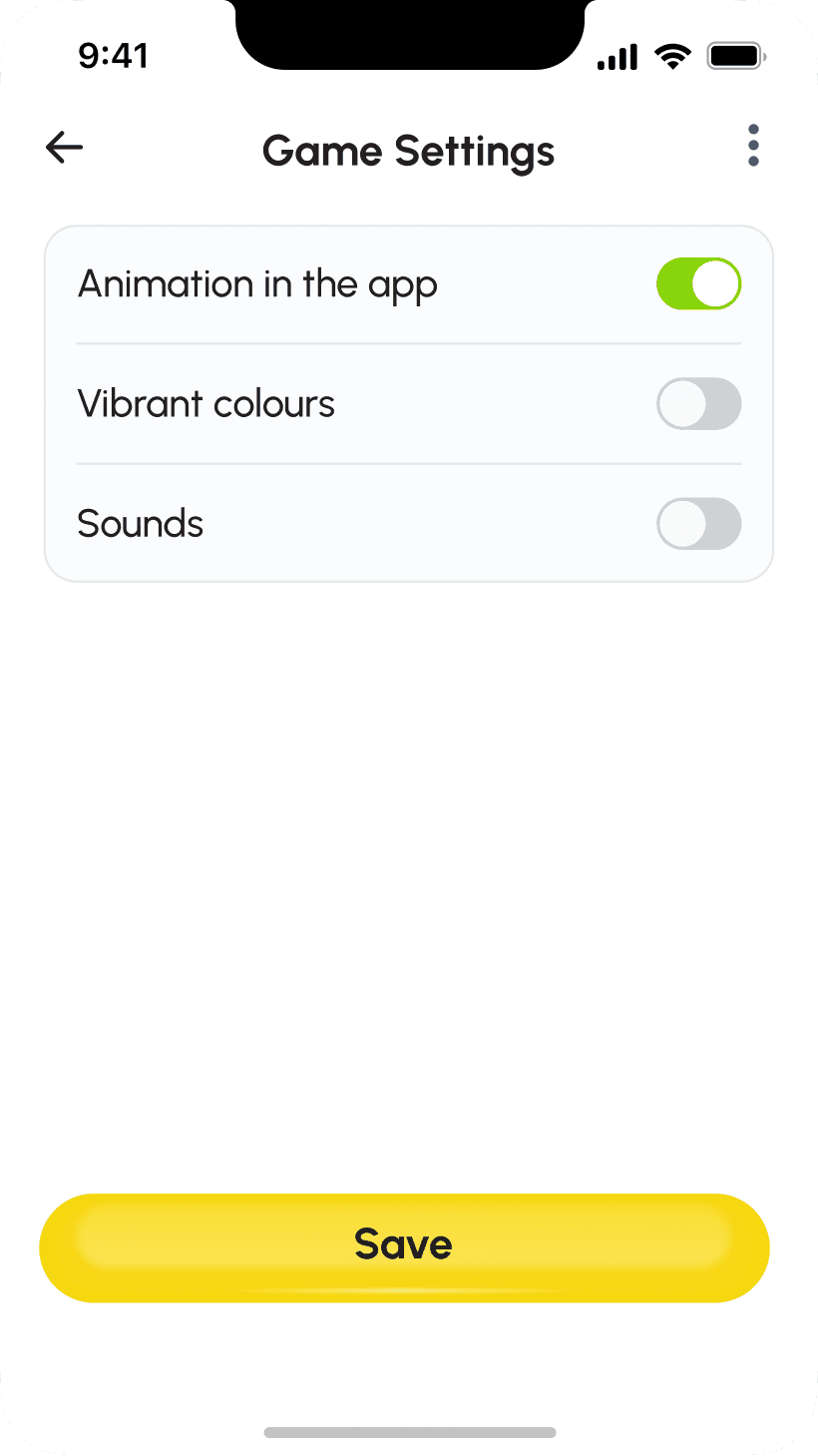
In addition to colors, we have also added the ability to turn sounds and animations on or off in the app in version 2. By giving users control over animations and sound effects, we avoid unexpected alarms. This can include the ability to mute or pause animations.

Thoughts
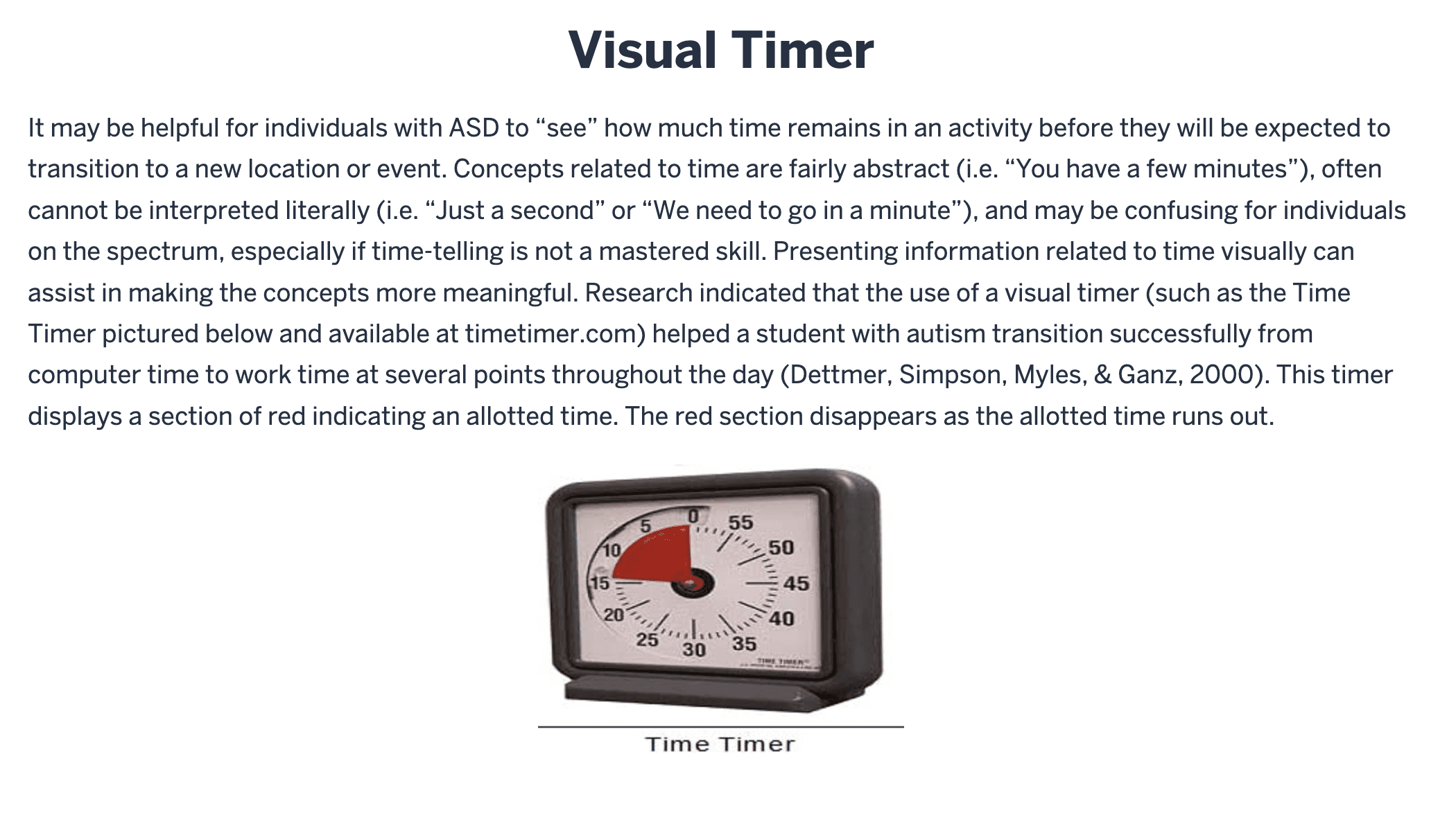
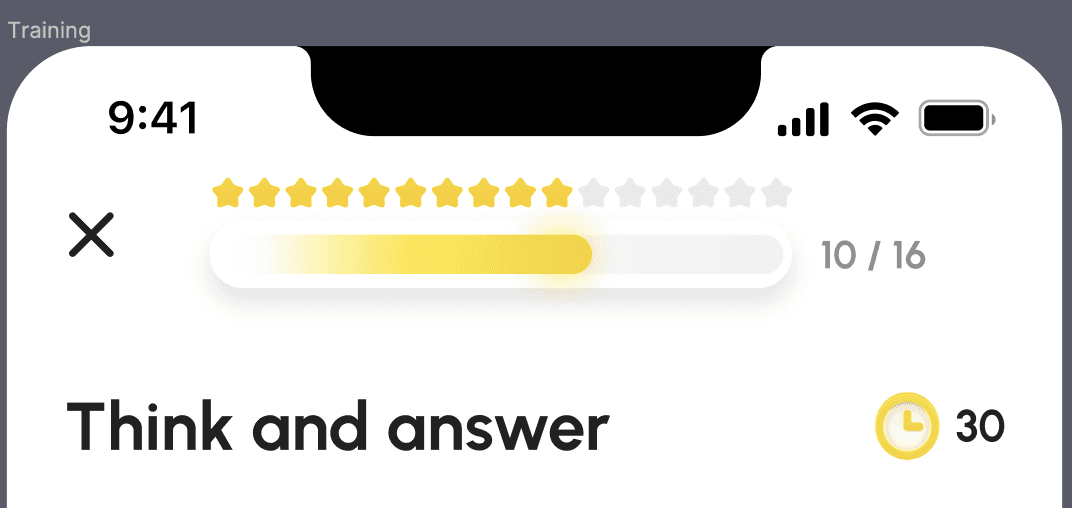
Based on scientific research, we have also added a more intuitive timer that shows how long it will take for the screens to change. These are very good solutions that will help children to adapt more easily to changes in the application.
An important clarification
Since I joined during the development of the application, the new features I identified from my research were transferred to the second version of the product. This not only saved developers time, but also allowed us to test these solutions on existing users and gather the necessary feedback. After analyzing this feedback, we will be able to understand the real needs of users and implement the necessary solutions. From a design perspective, all these features are ready and tested.
Wireframing
Overwiew
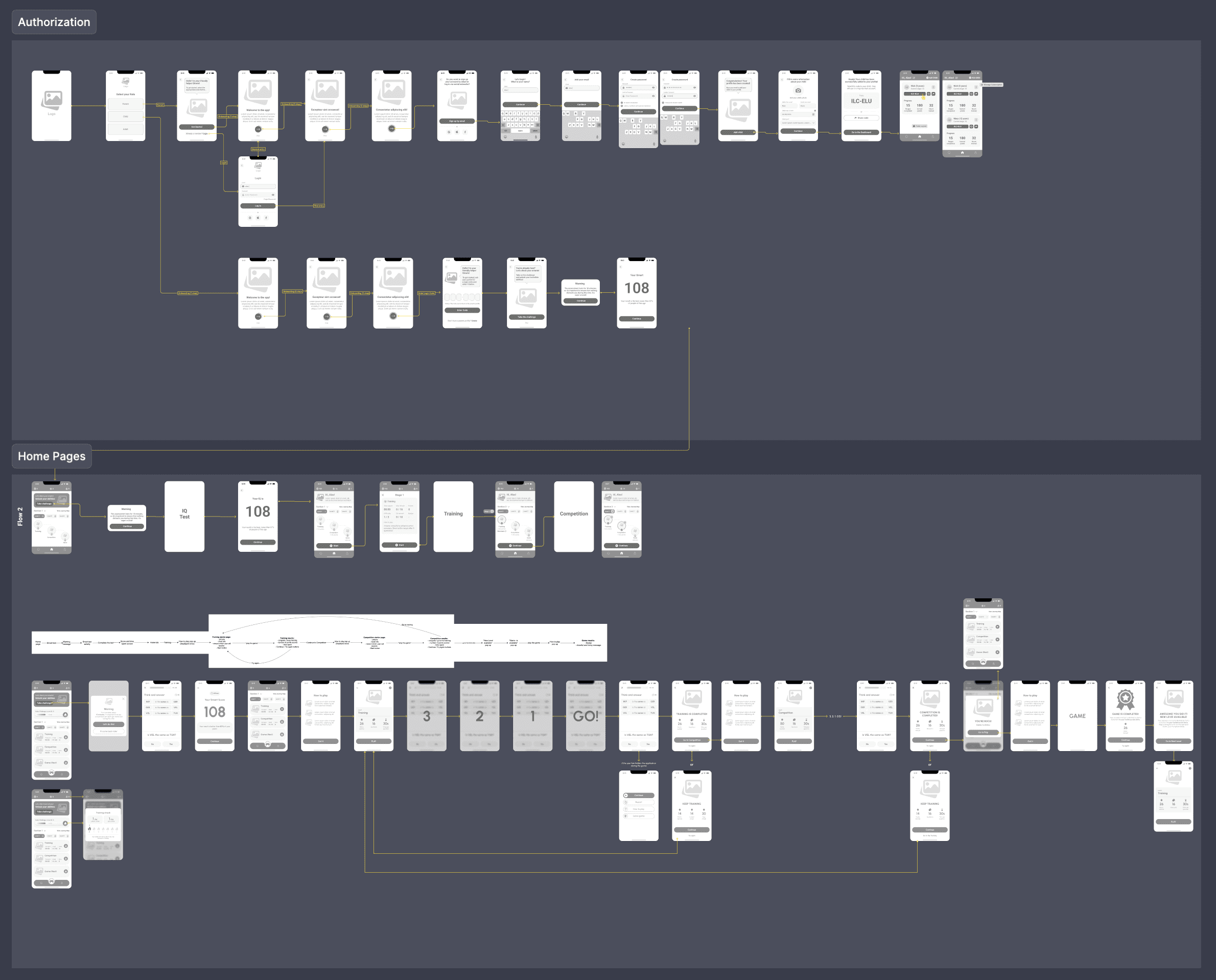
The Wireframes stage was devoted to ensuring that our app's UX met user needs in terms of convenience and functionality. Since the initial developments were already in place when I joined the product team, I focused on testing and improving existing flows, as well as adding new ones.
Here are some of the wireframes:
Design System
Overwiew
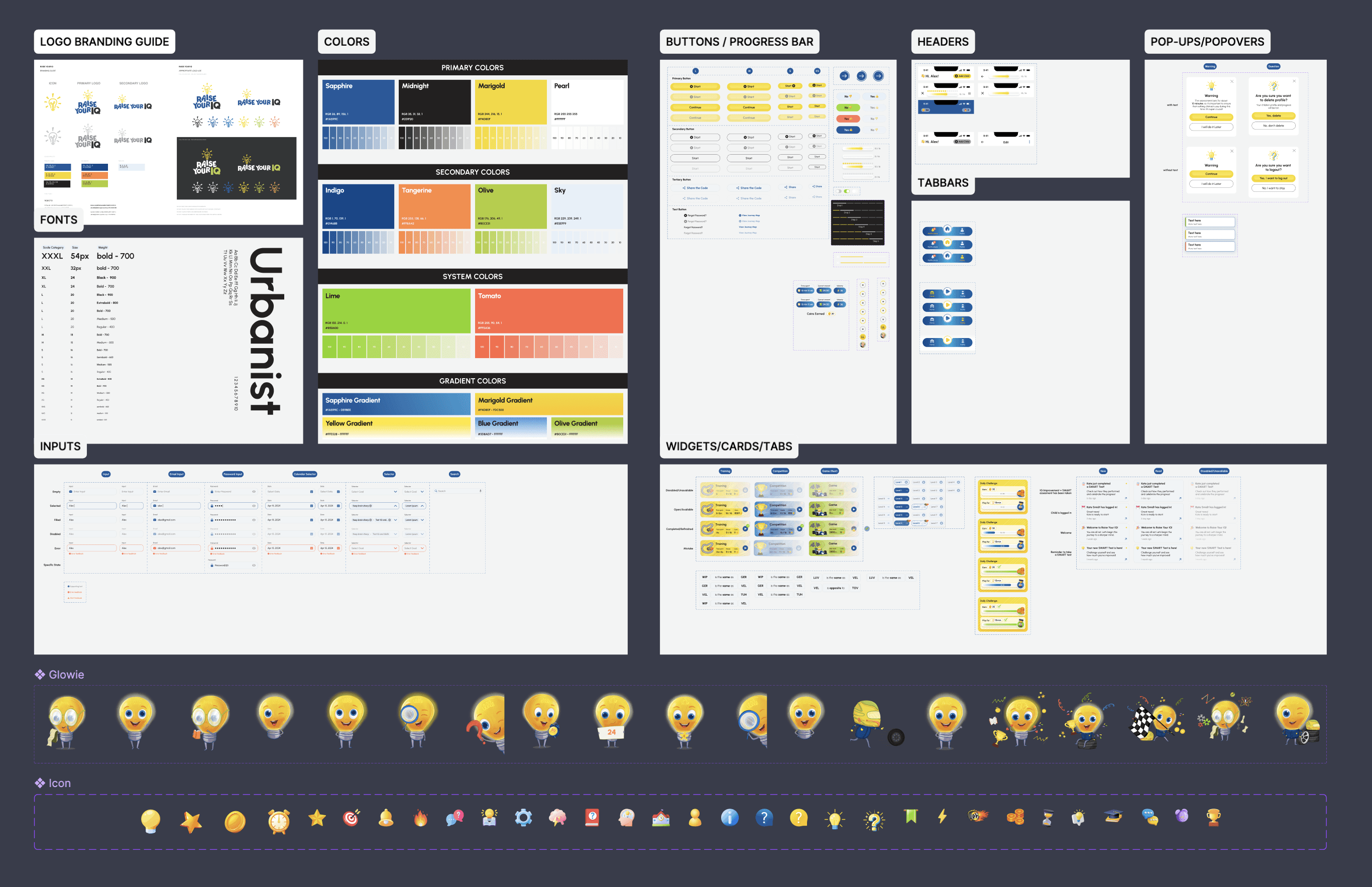
Together with another product designer, we created a Style Guide page, where we collected all the components, icons, colors, typography, etc. This was then converted into styles and tokens, which were subsequently used in the project. We decided not to use a ready-made design system due to the uniqueness of the UI elements and design solutions. Another crucial aspect we had to consider was designing for accessibility.
Part of the design of styles and components
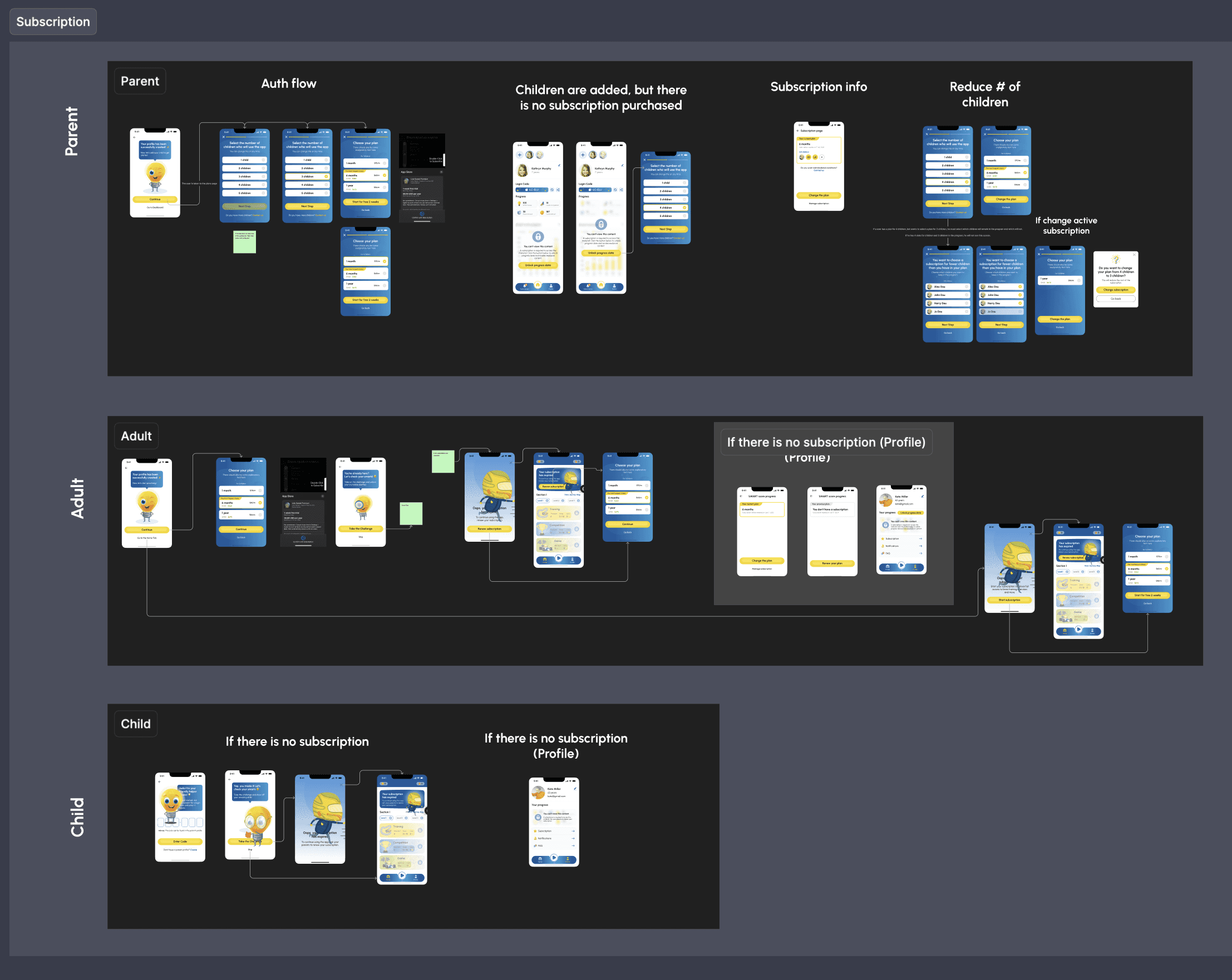
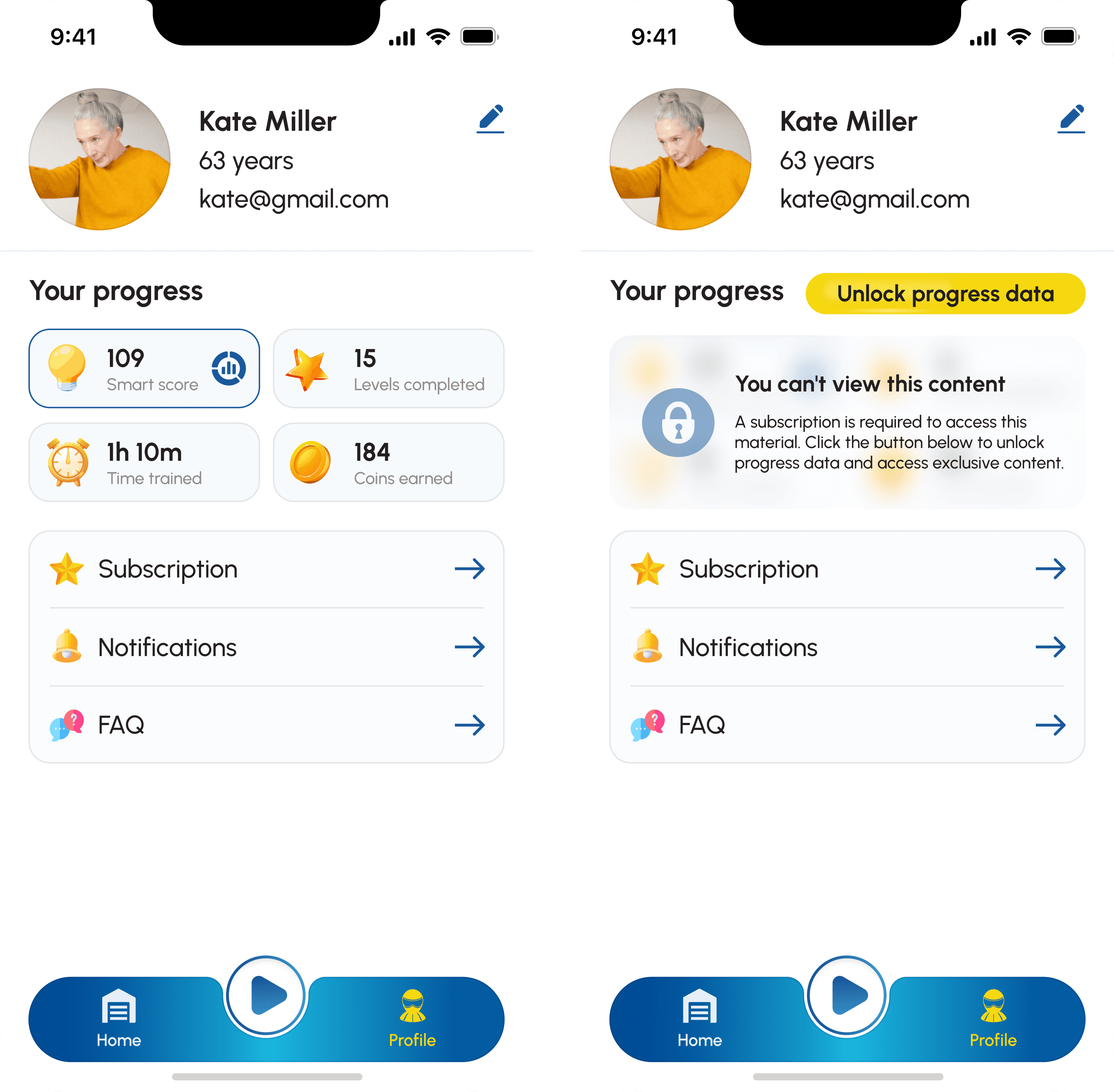
Different statuses during active and inactive subscriptions
Overwiew
Taking into account the different application flows with and without a subscription, we designed all states and screens according to the user's subscription status.
Part of the logic with a subscription
Work on core functionality - testing and training
Overwiew
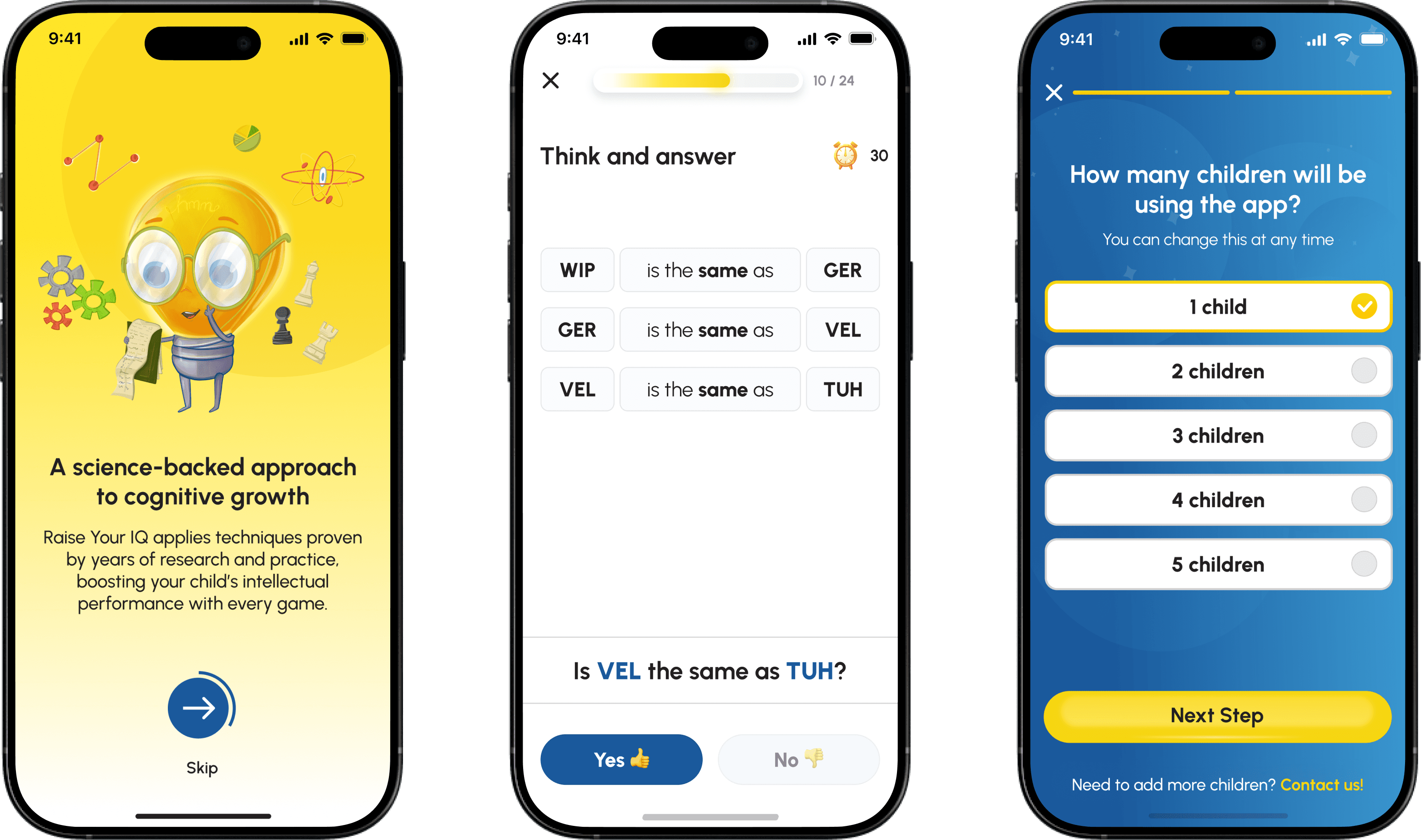
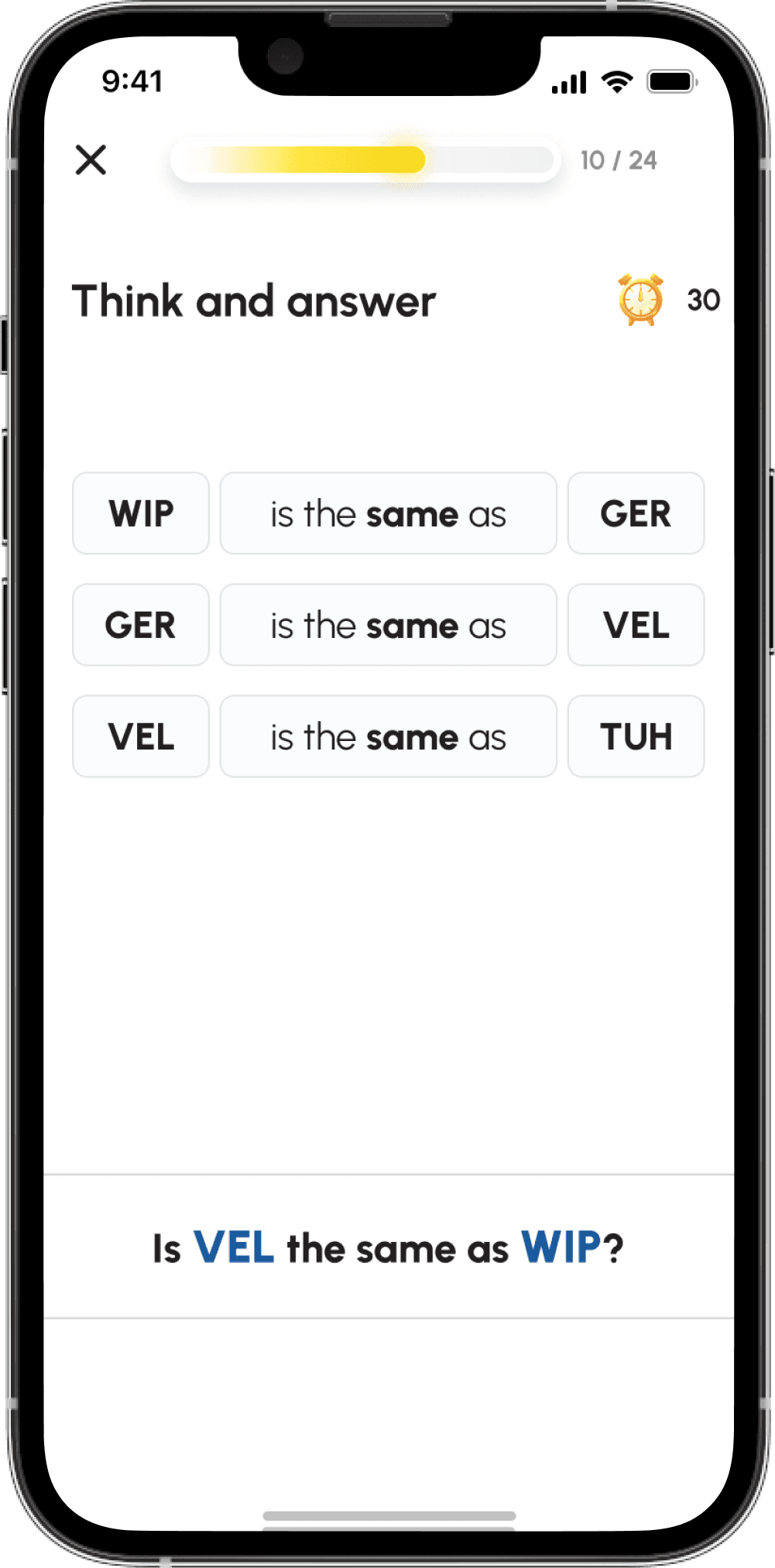
The main task of the application is to improve the user's IQ. This can be done by completing levels to find matches. This system was developed by the product's founders and has shown incredible results over years of testing.
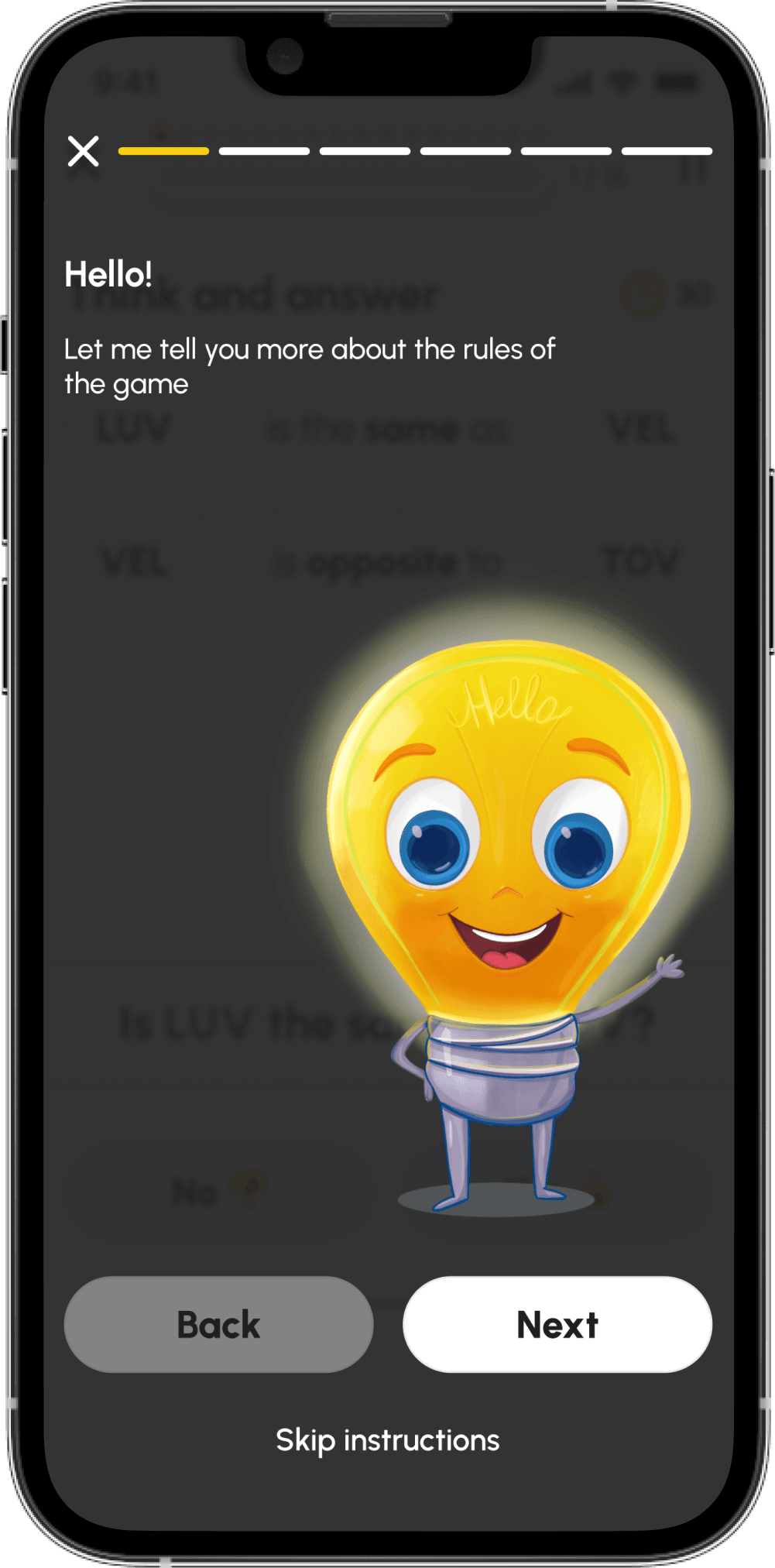
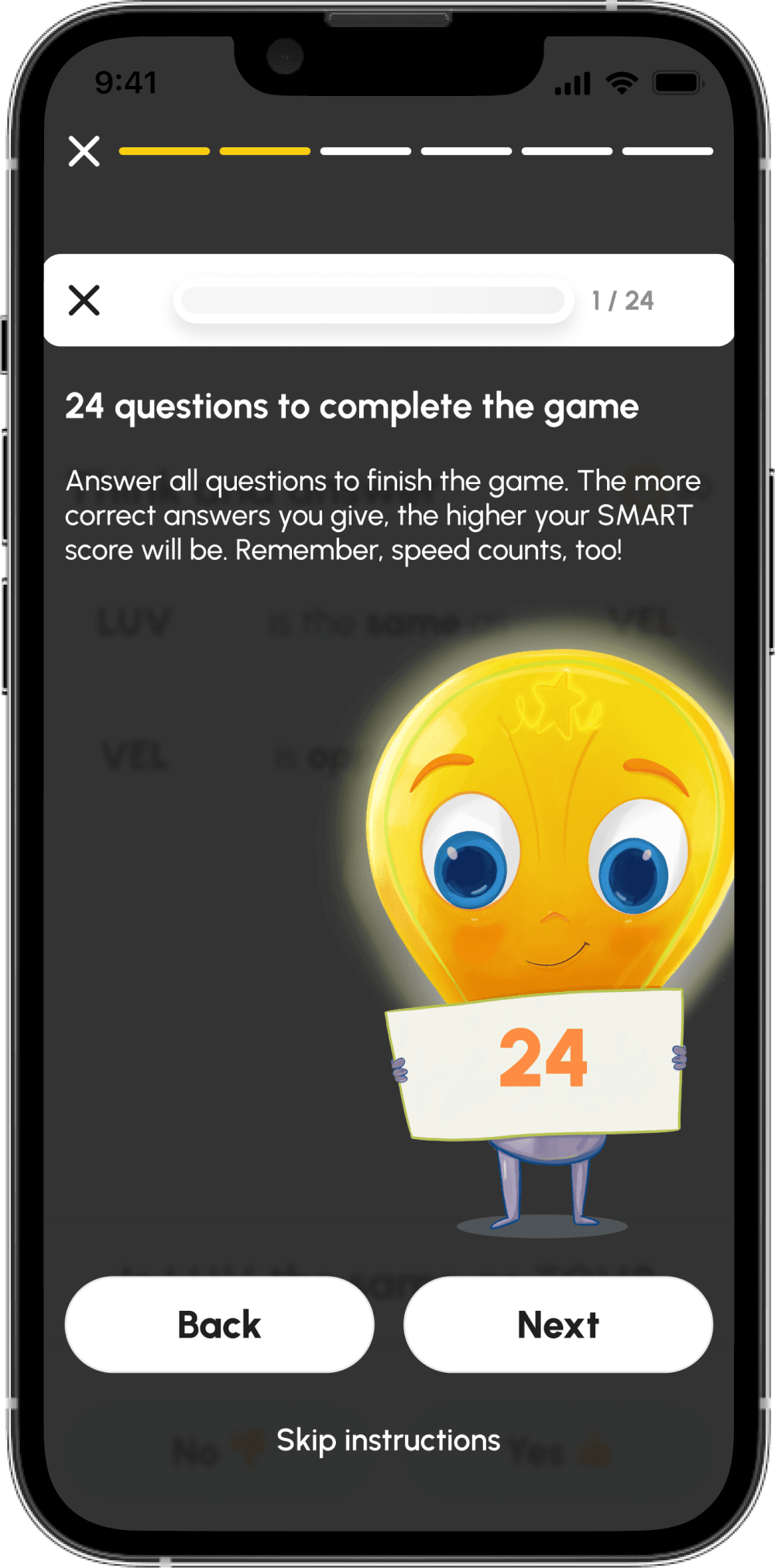
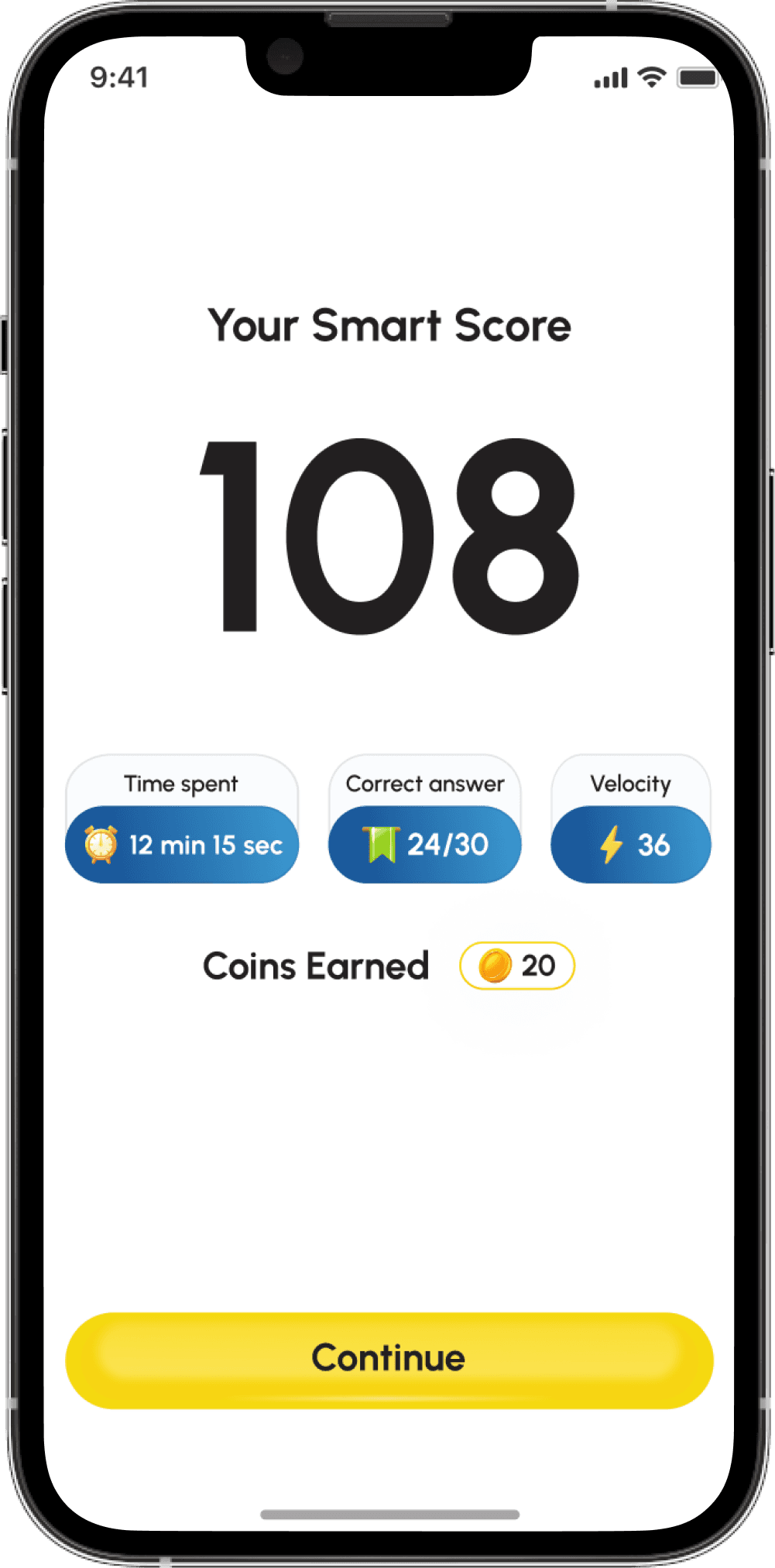
My main task was to develop an interface design that would make this training understandable and interesting. To do this, I added an onboarding flow where Maxot Glowie explains the rules of the training. In addition, after each training session, the user receives coins, which can then be exchanged for a mini-game. After completing the test, the user also receives their Smart Score, which they can improve through training.
Taking the test in the app
Yes 👍

No 👎
Mini Game Design
Overwiew
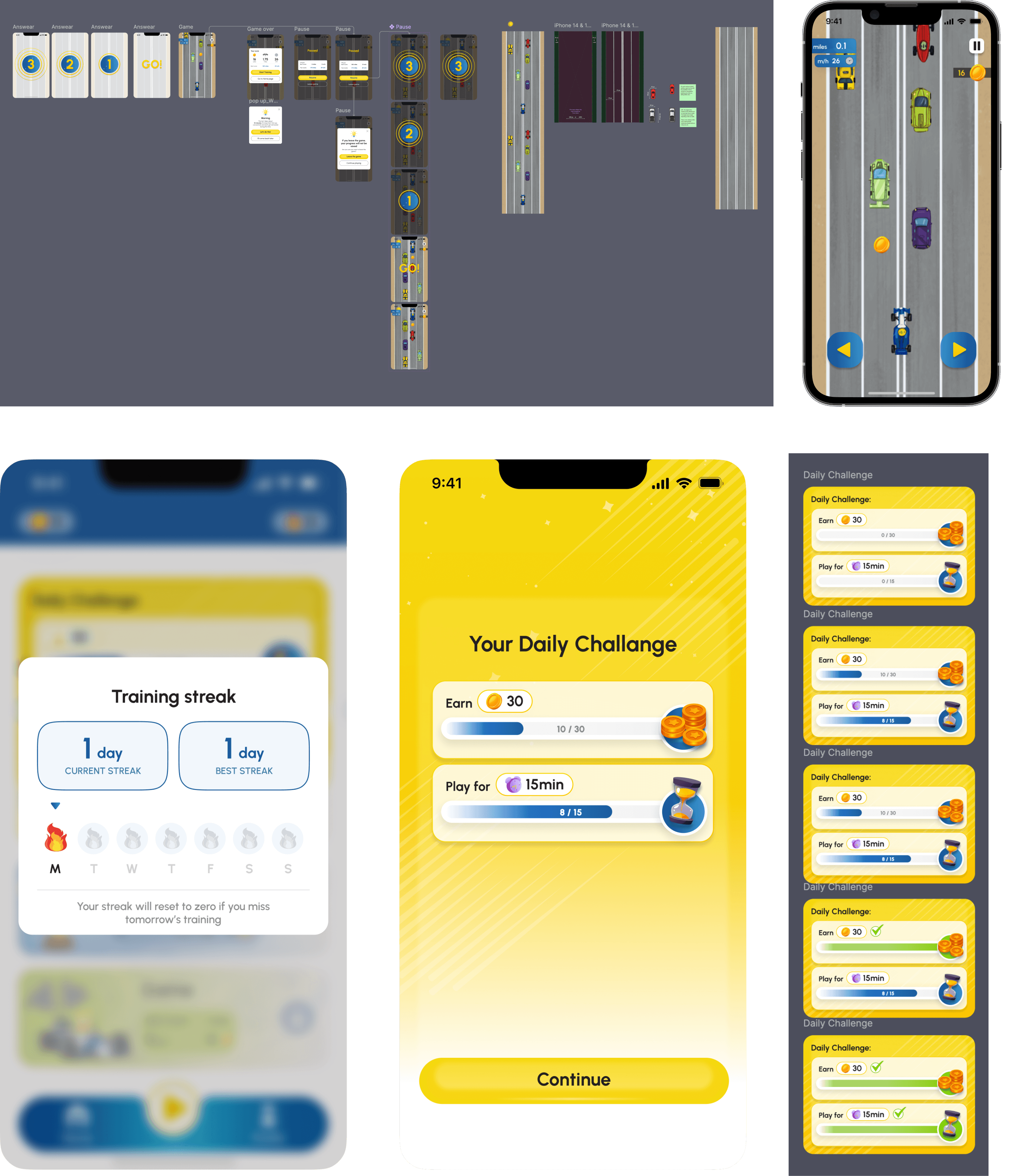
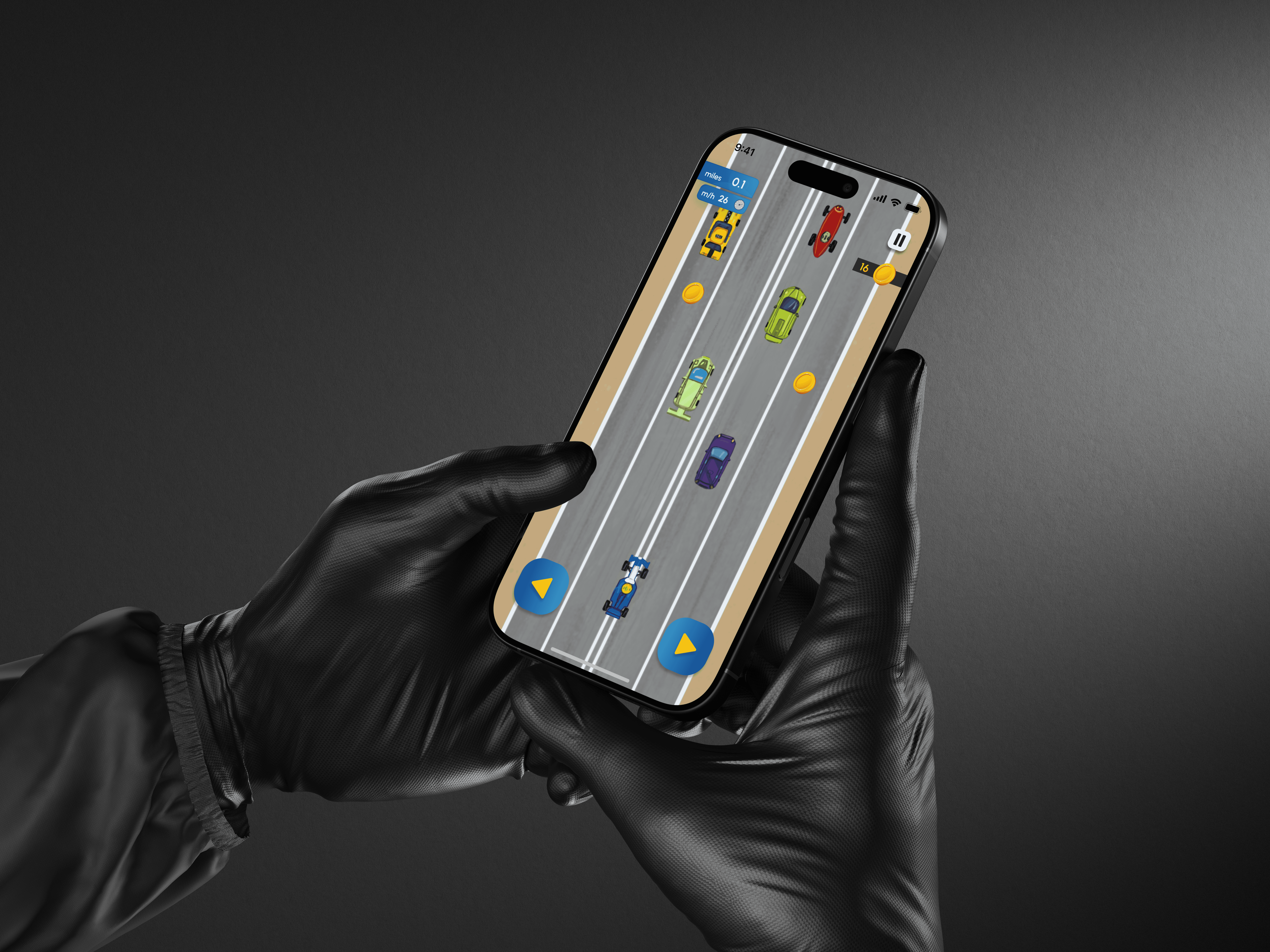
One of the features I worked on was a mini typing game where users can collect coins. This feature was implemented after user surveys and understanding that children (the main audience) lose motivation to visit the app every day. In order to motivate them to pass levels and improve their IQ, our team developed several ways to motivate them:
- After passing every two test levels (the main functionality), the user gets the opportunity to play the mini-game once, and each test level passed gives the user coins.
- During the game itself, the user can also collect coins.
- These coins can then be exchanged for additional opportunities to play the mini-game.
- Also, every day, upon successfully completing the daily challenge, the user receives a spark.
Part of the mini-game UI and motivation system